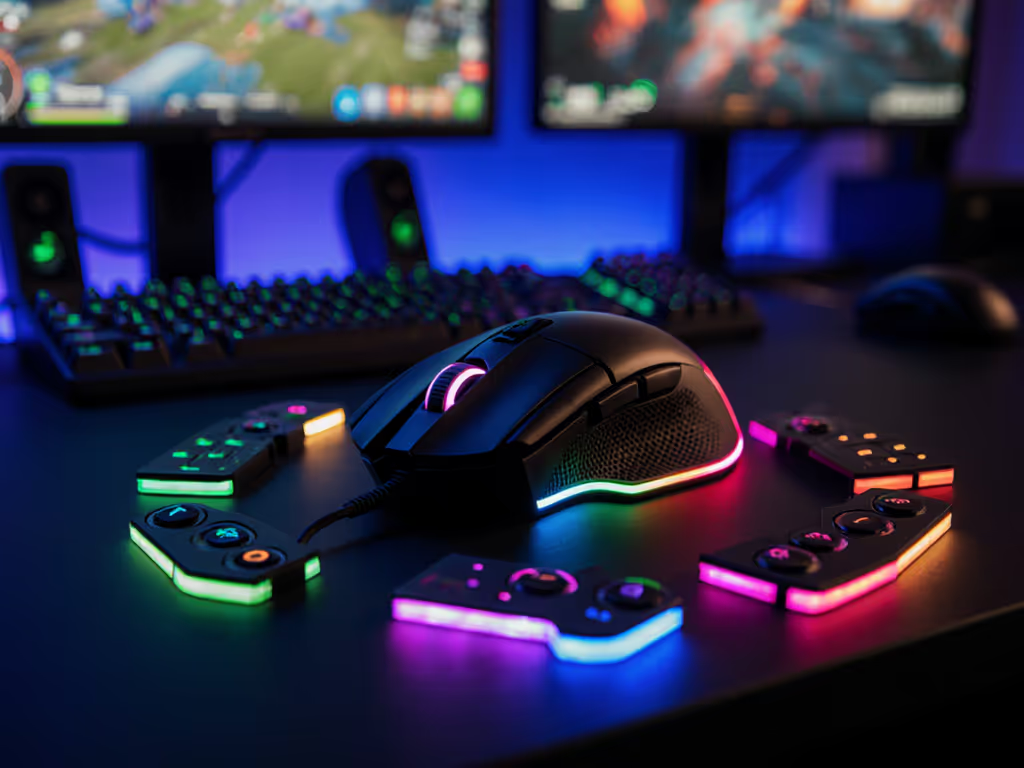
Best Gaming Mouse for Tournament Fighting Games & EX Inputs
By Noah Mensah • 2nd Jun
If you grind PC fighters and want the best gaming mouse to carry into locals, majors, and late-night ranked, you need something very different from a generic shooter mouse. A true tournament fighting game mouse has to survive cluttered setups, brutal sessions in training mode, and the precision demands of EX inputs, plinks, and rapid defensive options, without wrecking your hand over time.
Gear is a multiplier; habits and fit set the baseline. This guide is built to help you pick one mouse you can trust for thousands of rounds, not the next impulse upgrade.
Stability beats novelty when you're chasing real execution consistency.
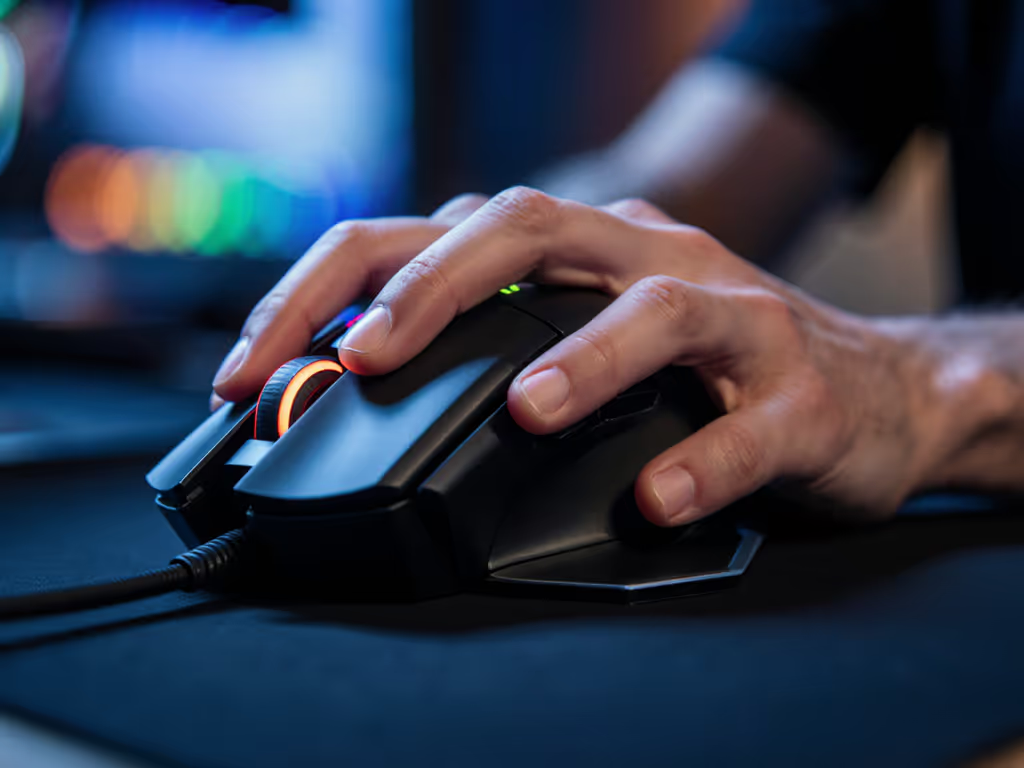
I'll walk through what actually matters for fighting games (and what’s just marketing), then compare several mice across shapes, hand sizes, and budgets. The goal: reduce your decision fatigue and get you to a stable, tournament-ready setup.
What Fighting Games Really Need From a Mouse
Standard gaming mouse guides are written for FPS. Fighting games stress different parts of the device: button timing, multi-button chords, comfort, and consistency under high repetition.
1. Button feel and actuation for EX inputs
In a fighter, your left and right click are basically face buttons. Every crouch tech, throw break, and EX input depends on:
- Low pre-travel and post-travel so the move comes out as soon as you commit.
- Crisp, consistent tactility so your fingers feel the activation point.
- Moderate click force: too light and you misfire during movement; too heavy and you fatigue in long sets.
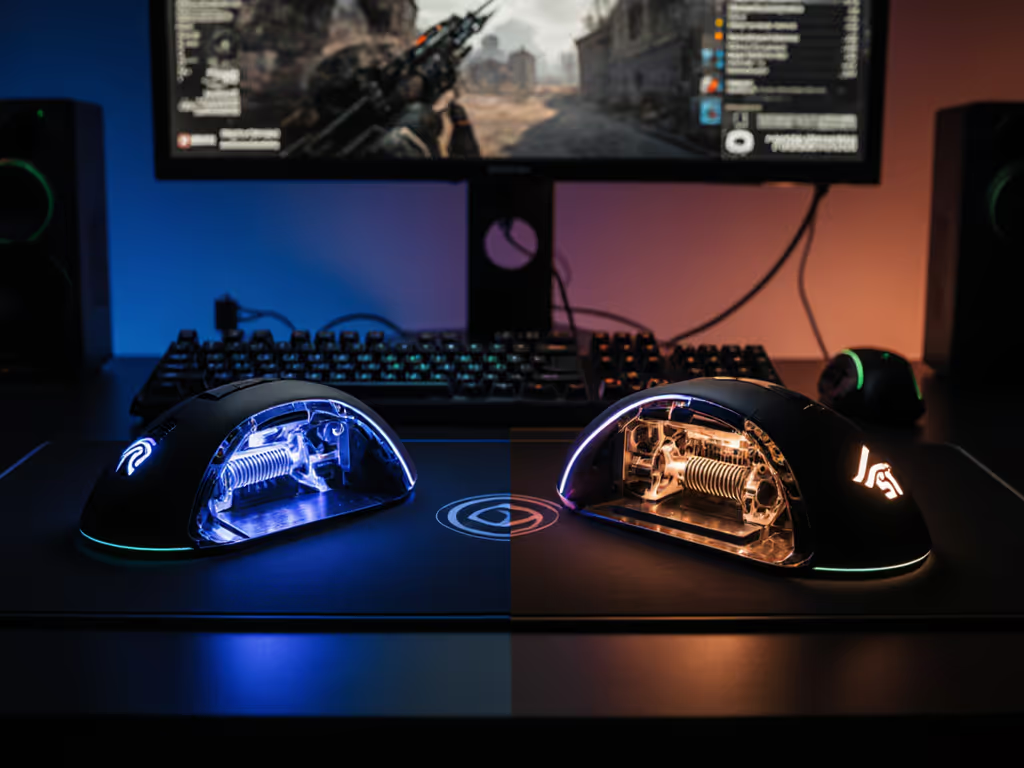
Most modern esports mice use optical or high-grade mechanical switches tuned for fast actuation and durability, a design trend confirmed across current "best mouse" roundups and lab reviews.[5][8][10] For a deeper breakdown of switch tech and how actuation affects execution, see our optical vs mechanical switch performance test. This is ideal for confirming EX inputs and kara actions where timing windows are tight.
2. Side buttons and fighting game button layout
Fighting game button layout on mouse typically looks like:
- LMB / RMB: light/medium or light/heavy attacks
- Wheel click: throw, drive impact, or burst
- Side buttons: macros within game rules - e.g., PPP/KKK, EX (two attacks at once), dash, or parry
Key requirements:
- Side buttons should be easy to hit without changing grip.
- Clear separation so you can chord (e.g., hold block on RMB while tapping EX on a side button) without mis-presses.
- No mush or wobble, you need to trust every press.
Tournament rules usually allow mapping multiple face buttons to one input if it’s done inside the in-game controls, not via macro software. Always check your region’s ruleset, but a mouse with well-positioned side buttons makes legal EX button compatibility much more comfortable.
3. Latency and polling: how much is "enough" for fighters?
For shooters, people obsess over 4K/8K polling. Fighting games are different:
- Reliable 1000 Hz polling with low click latency is already below human reaction time and more than enough to hit just-frame timings when your execution is consistent.
- Modern wireless mice from top brands are designed to match or beat wired latency with optimized receivers and protocols.[2][5][8] Get the data in our wired vs wireless latency comparison.
- Reviews and test labs routinely measure click latency, polling stability, and motion delay, and high-end wireless models now fall into the "esports-grade" range used on big stages.[5][8]
For practical purposes: if you buy a top-tier esports mouse and keep it at 1000 Hz, your input lag in fighting games will not be your limiting factor. Your execution, setup (display lag), and game netcode matter far more.
4. Shape, grip, and long-set comfort
You may sit through:
- 2-3 hour lab sessions grinding hit-confirms.
- Tournament days with pools, warmups, and casuals.
So you need:
- A shape matching your hand size and grip style (palm, claw, fingertip).[1][2]
- Reasonable weight and balance so your fingers are relaxed but responsive.[1]
- Coating that doesn’t get slippery with sweat.
Guides for competitive mice emphasize checking shape, weight, sensor stability, and consistency over a full match, not just raw specs.[1][2][5] That same logic applies here: if your ring finger is cramping by game three, the mouse is wrong, even if the sensor is perfect.
5. Build quality and reliability
QC nightmares, double-clicks, scroll wheel issues, loose shells, are deadly in fighters. You need:
- Proven switch reliability
- Solid shell (no creaks when you grip hard)
- Sturdy side buttons
Esports-oriented picks from major brands are generally designed with durability and high switch lifecycles in mind.[5][8][10] Choosing from that pool minimizes RMA risk.
How to Choose Your Fighting Game Mouse (Coach's Checklist)
Before we talk specific models, lock in your requirements. This keeps you from bouncing between mice and never stabilizing your execution.
According to tournament-focused mouse guides, asking the right questions up front is the difference between a confident main and another drawer mouse.[1] If you're unsure about hand measurements and grip styles, start with our grip and hand-size guide.
Step 1: Measure your hand and note your grip
- Measure from wrist crease to tip of middle finger.
- Measure across your palm at the knuckles.
- Observe your natural grip when playing:
- Palm: whole hand on the mouse
- Claw: arched fingers, palm partially off
- Fingertip: only fingertips on the shell
Step 2: Decide your button strategy
Ask:
- Do you want EX and 3P/3K on side buttons?
- Do you need more than two side buttons?
- Do you play one game or multiple (fighters + shooters/MOBAs)?[10]
If you play both, we'll lean toward shapes proven in FPS because they’re heavily lab-tested for tracking and control.[5][6]
Step 3: Set your performance floor
Your baseline for a tournament mouse should be:
- Sensor: modern optical, no acceleration.
- Polling: stable 1000 Hz.
- Weight: generally 55-75 g for most hand sizes.
- Latency: current-gen wired or low-latency wireless from a reputable brand.[2][5][8]
From there, we match shape and buttons to your specific needs.
The goal is one setup that stays fixed while you drill, not endless tweaking. Stability beats novelty.
I say this as someone who's seen players chase every new mouse. When we finally froze the shape, tied it to a fixed settings profile, and built a daily drill playlist, their execution stats started climbing instead of resetting every few weeks.
The Mice: Tournament-Focused Picks for Fighting Games
Below are categories rather than a single "winner," because hand sizes, grips, and budgets vary. We'll keep the analysis grounded in what esports mouse tests emphasize: shape, latency, weight, and reliability, rather than marketing buzzwords.[5][6][8][10]
I'll reference each mouse's typical strengths, but remember: any "best" label assumes it fits your hand and grip.
1. Razer Viper V3 Pro - Neutral King for Mixed Genres
If you want one mouse to play fighters, ranked shooters, and general PC, the Razer Viper V3 Pro is a top-tier all-round pick.
Why it works for fighting games
- Symmetrical shape fits a wide range of claw and fingertip grips, which is ideal if you like a light, agile feel.
- Very low weight (around the mid-50 g range) makes fast button tapping and micro-adjustments effortless.
- Razer's current optical switches are designed for low pre-travel and fast, debounce-free actuation, excellent for EX timings and late techs.
- Wireless latency and sensor performance are in the top tier of current esports mice, matching the standards highlighted in competitive mouse roundups.[5][8][10]
Who it's for
- Hand size: small - medium, some larger hands with claw grip.
- Grip: claw / fingertip.
- Games: fighters + FPS/hero shooters.
Use case example: map LMB/RMB to light/heavy, wheel click to throw, and front side button to EX. You get quick access without overloading your thumb.
2. Logitech G Pro X Superlight 2 - Proven Esports Standard
The G Pro X Superlight line has become a default pick in competitive scenes; analyses of thousands of pro players show a small cluster of mice (with GPX variants among them) dominating usage.[6]
Why it works for fighting games
- Safe, low-profile shape that works for almost any grip style.
- Weight in the low 60 g range balances stability with speed.
- Very low click latency, current test labs repeatedly rank it among the top performers for responsiveness.[5][8]
- Side buttons are well-defined and easy to reach without repositioning your hand.
Who it's for
- Hand size: medium; small hands if you like a more "full" feel, larger hands with claw.
- Grip: palm / claw / relaxed claw.
- Games: fighters, competitive shooters, general esports.
If you want something "standard" that you'll see across LAN setups and bootcamps, this is a safe, buy-once choice with deep testing and proven reliability behind it.[5][6][8]
3. Razer DeathAdder V3 Pro - Long-Set Comfort Specialist
For palm grip players and those worried about hand health, the Razer DeathAdder V3 Pro is one of the standout ergonomic shapes.
Mouse guides repeatedly stress ergonomics, hand fit, and fatigue as core buying criteria for serious play.[1][2][5] This shape leans fully into that.
Why it works for fighting games
- Pronounced right-handed ergonomic shell supports the whole hand, spreading load away from your fingertips.
- Ideal for players who squeeze hard during tense rounds, less chance of cramps or tendon strain.
- Large, accessible main buttons with a clear separation line, making it easy to drum between attacks.
- Excellent sensor and wireless implementation in line with modern esports standards.[5][8][10]
Who it's for
- Hand size: medium - large.
- Grip: palm / relaxed claw.
- Games: fighters + ARPGs/MOBAs or anything where comfort over hours matters.
If you're the player who grinds training mode for hours, this is a strong candidate for your primary tournament fighting game mouse.
4. Pulsar X2V2 (and Similar Lightweight Ambis) - Budget-Conscious Performance
Brands like Pulsar, Lamzu, and others have pushed out sub-70 g symmetrical mice that rival flagship models on core performance at a lower price, a pattern also noted in value-focused gaming mouse roundups.[3][5][10]
The Pulsar X2V2 represents this category well:
Why it works for fighting games
- Lightweight, low-profile body is agile for quick taps and flicks.
- Side buttons are positioned for fast thumb access with minimal travel.
- Uses modern sensors and polling implementations that land in the "esports capable" bucket in independent tests.[5][10]
Who it's for
- Hand size: small - medium.
- Grip: claw / fingertip.
- Games: fighters + arena shooters, aim trainers, or other fast titles.
If you want high-end performance without flagship pricing, these lightweight ambis are compelling, just double-check return policies in your region in case the shape doesn't match your hand.
5. Logitech G903 (or Similar) - Left-Handed & Multi-Button Flex
Left-handed players and those who want more than two side buttons have fewer good options, a frustration often mentioned by gamers looking for inclusive gear.[5][8] See our ambidextrous and left-handed mouse picks.
The Logitech G903 (and similar modular-ambidextrous designs) remains one of the more versatile picks:
Why it works for fighting games
- True ambidextrous shell with swappable side buttons on both sides, giving left-handers a real configuration rather than a compromise.
- Can be configured with up to four side buttons, which is useful if you want separate buttons for EX, throw, macroed dash, and parry.
- Solid wireless implementation and sensor based on Logitech's high-end technology, which is widely used in their esports line.[2][5][8]
Who it's for
- Hand size: medium - large.
- Grip: palm / claw.
- Players: left-handed mains, or right-handers who want extra side buttons.
For left-handed fighting game players on PC, this is one of the few mice where you don't have to sacrifice button access to get tournament-ready performance.
6. Value Tier - Logitech G305 & Similar
If you're building your first setup or already spending on stick/leverless gear, mice like the Logitech G305 offer a stable, affordable base.
Value tiers in mouse guides highlight this kind of model: slightly heavier, but with solid sensors, low wired/wireless latency, and robust build quality for the price.[3][5][10]
Why it works for fighting games
- Reliable main buttons with consistent click feel.
- Sensor and wireless tech still low-latency enough for competitive play, even if not at flagship levels.[2][5]
- Budget-friendly, so you can allocate more to your keyboard, monitor, or stick if that's your primary controller.
Who it's for
- Hand size: small - medium.
- Grip: claw / fingertip / hybrid.
- Players: budget-conscious, or those testing mouse-based layouts before committing to a flagship.
Side-by-Side: Which Mouse Fits You?
Here's a high-level comparison to anchor your choice. Remember: these are use-case recommendations, not absolute rankings.
| Mouse / Category | Hand Size | Best Grip Style | Button Use in Fighters | Strengths for Fighters | Potential Trade-offs |
|---|---|---|---|---|---|
| Razer Viper V3 Pro | Small - Medium | Claw / Fingertip | 2 main + 2 side + wheel for EX / throw / parry | Extremely light, crisp clicks, top-tier latency | May feel too low-profile for large palms |
| Logitech G Pro X Superlight 2 | Medium (flexible) | Palm / Claw / hybrid | Safe layout for L/M/H + EX on side | Proven esports standard, balanced feel, very low lag | Higher price, shape may feel "generic" |
| Razer DeathAdder V3 Pro | Medium - Large | Palm / Relaxed Claw | Comfortable drumming on L/R, easy side access | Ergonomic comfort over long sets | Right-handed only, larger footprint |
| Pulsar X2V2 (and similar) | Small - Medium | Claw / Fingertip | Side buttons for EX/dash, agile primary buttons | Lightweight, strong value, modern sensor | QC/support varies by region, thinner shell |
| Logitech G903 (ambidex) | Medium - Large | Palm / Claw | Up to 4 side buttons for EX, dash, parry, macros | Left-handed support, multi-button flexibility | Heavier than ultralight options |
| Logitech G305 (value tier) | Small - Medium | Claw / Fingertip | Standard 2 side + wheel; enough for core binds | Affordable, reliable, good starter tournament mouse | Heavier, older tech, basic comfort |
Turning Your Mouse Into a Tournament Weapon
Buying the mouse is step one. Making it tournament-proof requires a small setup routine.
1. Lock in settings that won't change
Following the logic of esports mouse guides, where stability across practice and matches is critical[1][2][5], you want a single profile for fighters:
- DPI: 800-1600 is plenty; higher offers no benefit in most fighters. If you want the technical why, read our DPI explained guide.
- Polling rate: set to 1000 Hz and forget it.
- Windows pointer speed: 6/11 (no acceleration), then adjust in-game sensitivity.
- Disable angle snapping or pointer smoothing if the software allows.
Save this profile to on-board memory if possible so it works on any tournament PC without extra software.[2]
2. Map a clean fighting game button layout
Use the game's own settings (not macro software) to:
- Put core attacks on LMB/RMB.
- Assign throw or drive impact/burst to wheel click.
- Place EX (two-button combination) on the easiest-to-reach side button.
- Consider a second side button for dash, parry, or stance switch depending on your main.
Test every button individually and in chords (e.g., holding block while pressing EX) to confirm you're not accidentally hitting neighboring buttons.
3. Build a mouse-specific execution drill block
To avoid placebo gear swaps, tie your new mouse to a repeatable drill routine:
- 5-10 minutes: simple confirms (e.g., cr.MK > special > super) with and without counter-hit.
- 5 minutes: EX-only strings (e.g., fireball > EX fireball, or drive rush + combo) focusing on the EX button or chord.
- 5 minutes: defensive options (throws, techs, reversals) mapped to mouse buttons.
Track your success rate (e.g., out of 50 attempts) and redo the same drills over several days. This is the only way to know if the mouse is stabilizing your execution instead of just feeling fresh.
4. Tournament-day sanity checks
Before pools or bracket:
- Confirm your mouse is on 1000 Hz and correct DPI.
- Test all mouse buttons in training mode for 1-2 minutes.
- Make a quick mental note: grip feels natural? Any immediate hotspots or discomfort?
If everything checks out, resist the urge to tweak mid-tournament. Your hands have already calibrated to your stable profile.
Final Verdict: Match Mouse to Role, Then Commit
There's no single "best" tournament fighting game mouse for everyone, but there is a best role-fit mouse for you:
- If you want one mouse for fighters and FPS, pick a Razer Viper V3 Pro or Logitech G Pro X Superlight 2 and enjoy top-tier latency with safe shapes.
- If comfort and hand health are your top priorities, especially in long sets, the Razer DeathAdder V3 Pro is a strong ergonomic main.
- If you're left-handed or need more side buttons, lean toward a Logitech G903–style ambidextrous with modular buttons.
- If you're budget-focused, start with something like a Logitech G305 and invest your effort into drills and layouts.
Whatever you choose, treat the mouse as the stable base of your execution routine. Lock your settings, run consistent drills, and give your hands time to adapt. Gear is a multiplier; habits and fit set the baseline, and in fighting games, the player with the steadier baseline usually wins the long set.
Related Articles