Gaming Mice with Side Buttons: Fit First
By Leila Haddad • 19th Feb
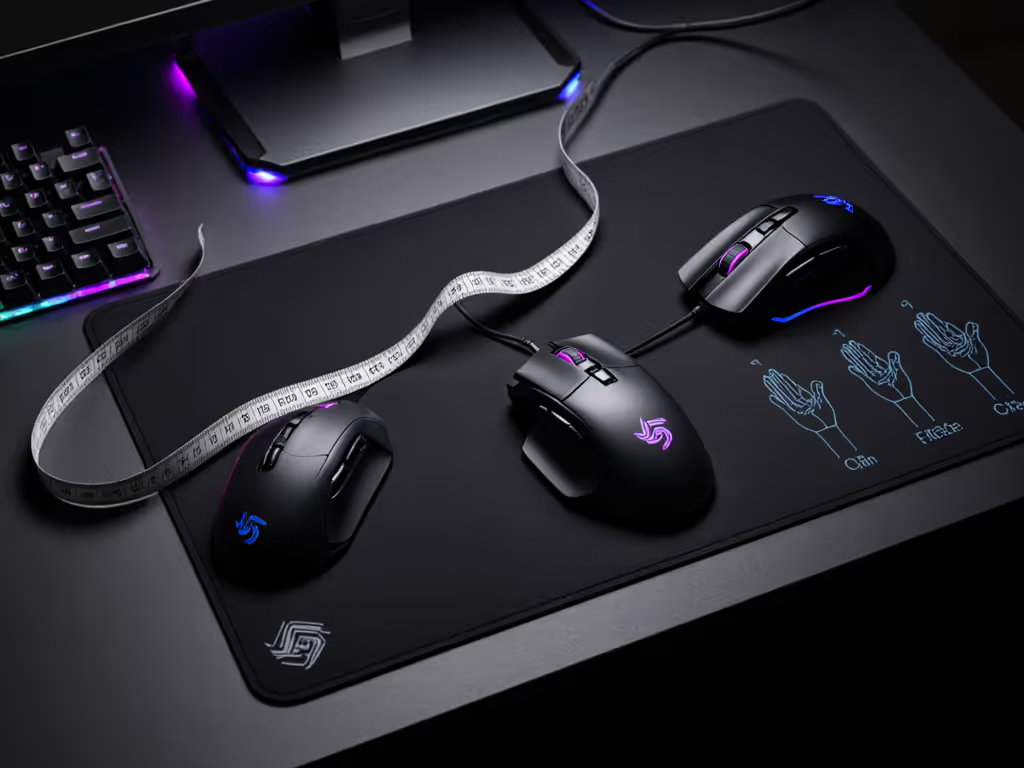
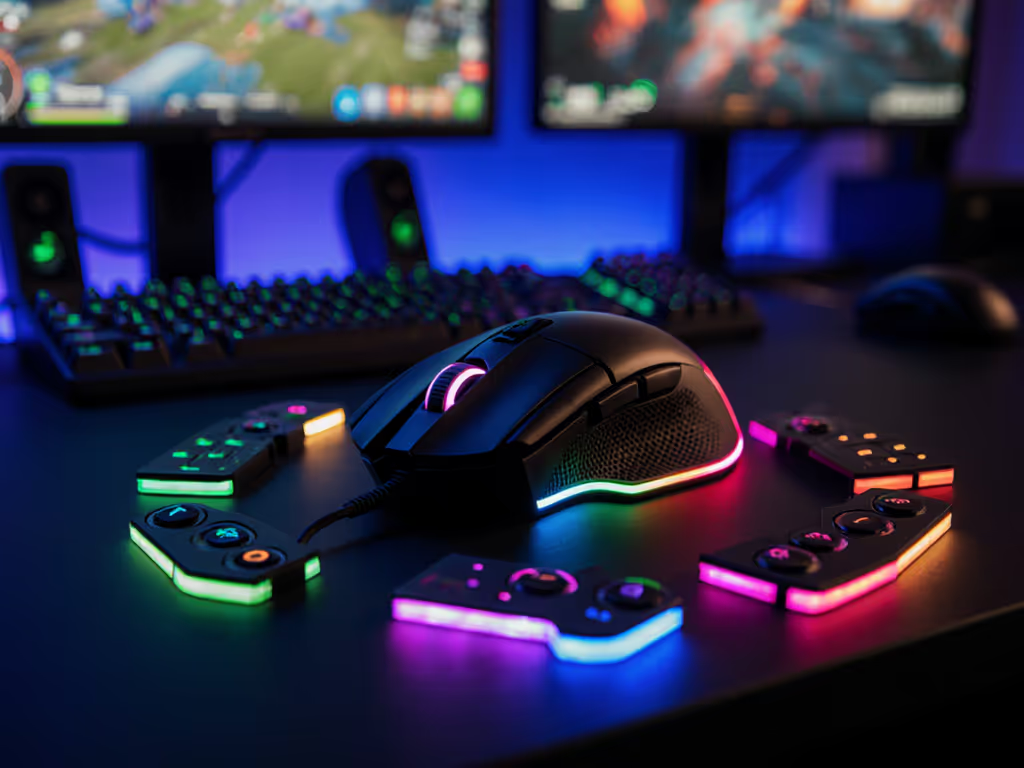
A gaming mouse with buttons on the side shapes how you reload, switch weapons, and execute commands in fast-paced FPS titles, yet far fewer mice account for hand geometry, grip depth, or left-handed viability than marketing suggests. Meanwhile, vertical ergonomic gaming mice promise neutral wrist positioning and reduced strain but lock most players into right-hand-only designs. Both trends are worth examining not as marketing categories, but as physical systems that either align with your hand or work against it.
Control begins with geometry that respects your hand. For a deeper primer on grip styles and sizing, see our hand size and grip guide. I learned this the hard way, growing up left-handed on skewed righty shells that fought my aim for years. When I finally picked up a true ambidextrous low-profile shape, my fingertip grip settled, micro-adjustments vanished, and aim felt invisible, like the mouse had disappeared. That's the moment I started documenting hand geometry and button reach, because far too many gamers cycle through drawers full of returns instead of finding what fits the first time.
The Case for Side Buttons in Gaming
Side buttons serve a measurable purpose: they let you execute essential commands (reload, ability cast, weapon switch) without moving your hand or breaking aim. The strategic placement of these buttons directly impacts how quickly you can press them under pressure and whether muscle memory sticks across long sessions.
Button ergonomics hinge on two factors: vertical alignment (are buttons stacked or side-by-side) and reach distance from your resting thumb position. Horizontal alignment, where buttons sit parallel to the floor, remains the industry standard because it's easier to manufacture and suits average right-handed palms. Yet research and user feedback reveal a problem: when your thumb naturally rests higher on the mouse body, horizontally aligned side buttons force your thumb to reach downward, creating micro-strain and inconsistent activation force.
Vertical alignment (buttons stacked above and below your resting position) allows your thumb to toggle between them with a simple up-down flick rather than a diagonal reach. The trade-off is that this layout requires asymmetrical shaping that inherently favors one hand orientation. This design choice, while ergonomically sound for right-handers, reinforces the industry-wide exclusion of left-handed gamers and smaller-handed players who struggle to find mice where side buttons actually sit within comfortable reach.
Vertical Ergonomic Gaming Mice: Promise and Limitation
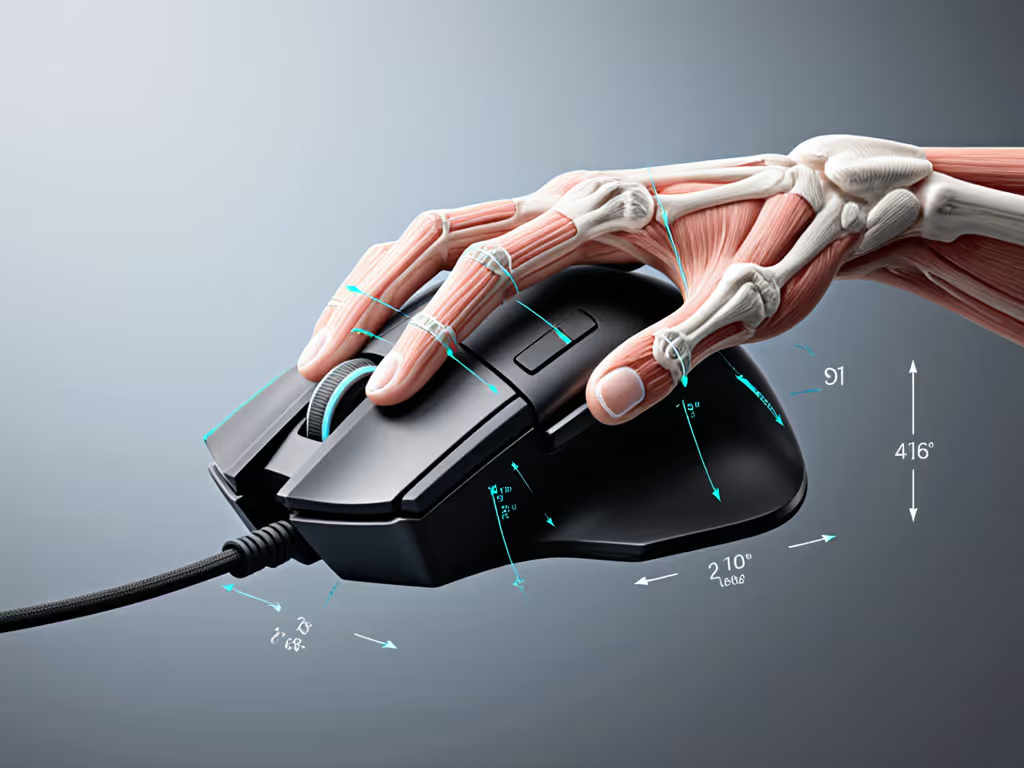
A vertical ergonomic gaming mouse redesigns the entire grip angle to mimic a natural handshake, typically around 71.7 degrees from horizontal. We lab-tested vertical shapes—compare options in our vertical gaming mice roundup. This angle is grounded in biomechanics: it reduces wrist pronation, the inward rotation that accumulates strain during extended gaming sessions and contributes to repetitive strain injury (RSI).
The Razer Pro Click V2 Vertical exemplifies the current state of vertical gaming design. Its 71.7-degree tilt positions your forearm in a neutral posture, and an extended rubberized thumb rest provides tactile feedback that keeps your hand locked in place. The mouse includes both primary-click buttons and customizable side buttons (one above, one below the thumb rest), offering programmable reach that better matches vertical thumb positions.
Logitech's vertical offerings, such as the MX Vertical and Lift, employ similar ergonomic angles, around 57 degrees, with comparable neutral-grip philosophy. The Lift's more curved design produces a slightly more comfortable hand position for users whose fingers naturally curl, while the MX Vertical's flatter button area suits players with straighter finger postures. Both support productivity-focused workflows with precision scroll wheels and multiple side buttons.
However, every vertical gaming mouse currently documented carries the same critical limitation: they are exclusively right-handed. If you need symmetry and left-handed viability, start with our ambidextrous and left-handed picks. The weight distribution, button layout, and thumb rest shelf are engineered solely for right palm geometry. This design choice is not accidental; it reflects market size and manufacturing cost. Yet it systematically excludes left-handed gamers and reinforces a narrative that performance mice are not built for them.
Where Vertical Design Shines
Vertical mice excel for gamers prioritizing ergonomic comfort over extreme low weight. If you play a mix of genres (FPS, tactical shooters, story-driven games) rather than pure competitive esports, the strain reduction from neutral wrist positioning compounds across 4-6 hour sessions. The Razer Pro Click V2 Vertical weighs more than traditional low-profile gaming mice, making it less ideal for high-sensitivity, fast-flick aiming in Valorant or Counter-Strike. But for players seeking steadier micro-adjustments and reduced fatigue, the ergonomic alignment outweighs the weight penalty.
Hand Geometry and Reach Mapping
True ambi isn't compromise; it's alignment between hand and target. When assessing a side-button gaming mouse, measure three key variables:
-
Palm Width: Trace your open hand at the widest point across your knuckles. Standard right-handed shells assume 85-92 mm widths. Hands under 80 mm or over 95 mm face poor side-button positioning because the button placement stays static.
-
Thumb Rest Depth: From the base of your thumb to the edge of your palm (where it meets your wrist) is your comfortable rest zone. Vertical mice with stacked thumb-rest shelves require at least 45-50 mm of usable depth; smaller hands often find the pinky and ring-finger rest area cramped, forcing awkward finger positioning.
-
Side-Button Reach: Measure the horizontal distance from your thumb's resting position to where you'd naturally flex it. If a mouse's forward/back buttons sit 35 mm or more from your thumb's neutral zone, you'll develop micro-compensation habits that drain focus during intense play.
One reviewer noted that the Razer Pro Click V2 Vertical's small fifth-finger rest felt cramped because their ring finger had to rest on top, forcing the pinky to trail behind. This is not a flaw in the design; it's evidence that the mouse was never engineered for their hand geometry.
Side-Scroll and Horizontal Scroll: Context Matters
The phrase "side-scroll productivity benefits" and "horizontal scroll gaming utility" often get conflated, but they serve different needs.
Horizontal scroll wheels (tilt wheels on the scroll wheel itself) enable left-right scrolling in spreadsheets, image editors, and timeline-based software. Many gaming mice, including the Razer Basilisk V3, feature tilt wheels. This is genuinely useful for creative work, but it adds complexity, weight, and cost that pure competitive gamers don't need.
Side buttons (forward and back) are distinct: they're programmable and serve game-specific functions. Learn how to bind abilities and workflows in our programmable buttons setup guide. In FPS games, they might trigger ability casts or equipment. In MMOs or MOBAs, they enable rapid ability cycling without hand movement. The distinction matters: a gaming mouse optimized for Valorant may not benefit from a tilt wheel, but a mouse designed for World of Warcraft benefits from both side buttons and scroll wheel flexibility.
The Inclusivity Gap
The current market of vertical ergonomic gaming mice presents a paradox: they offer clear ergonomic and health benefits, yet they exclude the very populations most likely to experience RSI - left-handed players and small-handed users (a cohort that includes many women and younger gamers).
Manufacturers justify this exclusion through market size: right-handed players represent roughly 90% of the user base, making asymmetrical designs cost-effective. But this logic perpetuates a self-fulfilling prophecy: left-handed gamers resign themselves to right-handed mice, don't demand better options, and manufacturers see no business case to build them.
A true-ambidextrous vertical gaming mouse would require symmetrical side-button placement (one on each side), a neutral thumb rest, and mirrored shell geometry. This is technically feasible but hasn't been commercially attempted by major manufacturers. Until then, left-handed gamers seeking ergonomic vertical designs must either accept compromise or forgo the format entirely.
What to Measure Before You Buy
When evaluating a gaming mouse with side buttons, whether traditional or vertical, use these data points:
-
Angle of tilt (if vertical): 57-72 degrees is the standard range for neutral wrist positioning.
-
Button count and layout: More buttons don't always mean better. Five programmable buttons within natural reach outperforms eleven buttons that require hand repositioning.
-
Grip width at widest point: Compare this directly to your palm width. If the mouse is more than 5 mm narrower than your palm, buttons will sit too close together.
-
Thumb rest shelf depth: Measure from the base of your thumb to your wrist. Ensure the shelf occupies at least 40 mm of this zone.
-
Scroll wheel behavior: Confirm whether the mouse offers both tactile (notched) and free-spin modes if you work between games and productivity apps. The Razer Pro Click V2 Vertical offers tactile cycling only, which limits productivity workflows.
-
Handedness: Ask directly: is this mouse symmetric, right-handed, or left-handed? Marketing materials rarely state this plainly.
Practical Recommendations by Use Case
If you play competitive FPS and value responsiveness: A traditional right-handed gaming mouse with two well-positioned side buttons (Logitech G502 HERO, Razer Basilisk V3) will serve you better than a vertical design. For ranked lobbies, compare shapes in our FPS mouse fit guide. The lower weight and simpler ergonomic profile suit high-sensitivity aiming. Prioritize button reach over button count.
If you play 4-6 hours daily across mixed genres and experience wrist strain: The Razer Pro Click V2 Vertical or Logitech Lift merits the performance trade-off. The ergonomic angle reduces fatigue measurably over long sessions, and the side-button placement suits hybrid gaming and productivity work. Expect a 1-2 week adjustment period before the position feels natural.
If you're left-handed: You currently have no true vertical gaming mouse option. A traditional right-handed gaming mouse with side buttons remains your best compromise. Lobby manufacturers for truly ambidextrous vertical designs; market demand is the only driver that shifts production priorities.
If you have hands under 80 mm in palm width: Standard mice will feel too large. Prioritize specialist small-hand designs (like certain Logitech compact models) over category prestige. A properly-sized traditional gaming mouse outperforms a prestigious vertical mouse that doesn't fit your geometry.
The Path Forward
The gaming mouse market has optimized for a narrow demographic: right-handed, average-to-large hands, competitive FPS players. Vertical ergonomic designs represent genuine progress for wrist health, yet their exclusive right-hand orientation exposes how little the industry has truly embraced inclusive design.
As you evaluate your next mouse, resist the urge to chase feature counts or ergonomic marketing language. Instead, measure your hand, test reach distances, and prioritize fit first. A mouse that aligns with your geometry and hand size will feel invisible in your grip, and that's when your focus shifts from the tool to the game.
The deeper questions deserve your attention: Does this mouse exist in a left-handed variant? Are side buttons within your natural thumb reach, or will they force compensation? Does the ergonomic angle match your forearm posture, or does it impose a posture you'll resist? These measurements take ten minutes and spare you months of drawer graveyards.
Explore vertical gaming mice through hands-on testing at retailers or gaming communities (not marketing). Request fit guidance from manufacturers; silence on hand-fit compatibility is itself data. And if you're left-handed or small-handed, share your frustration in spaces where manufacturers listen: subreddits, Discord communities, and review sites. Market demand drives change.
True ambi isn't compromise; it's alignment. When your mouse finally matches your hand, you'll feel it instantly.
Related Articles