Gaming Mouse Feet Materials: Glide Physics Guide
By Leila Haddad • 25th Nov
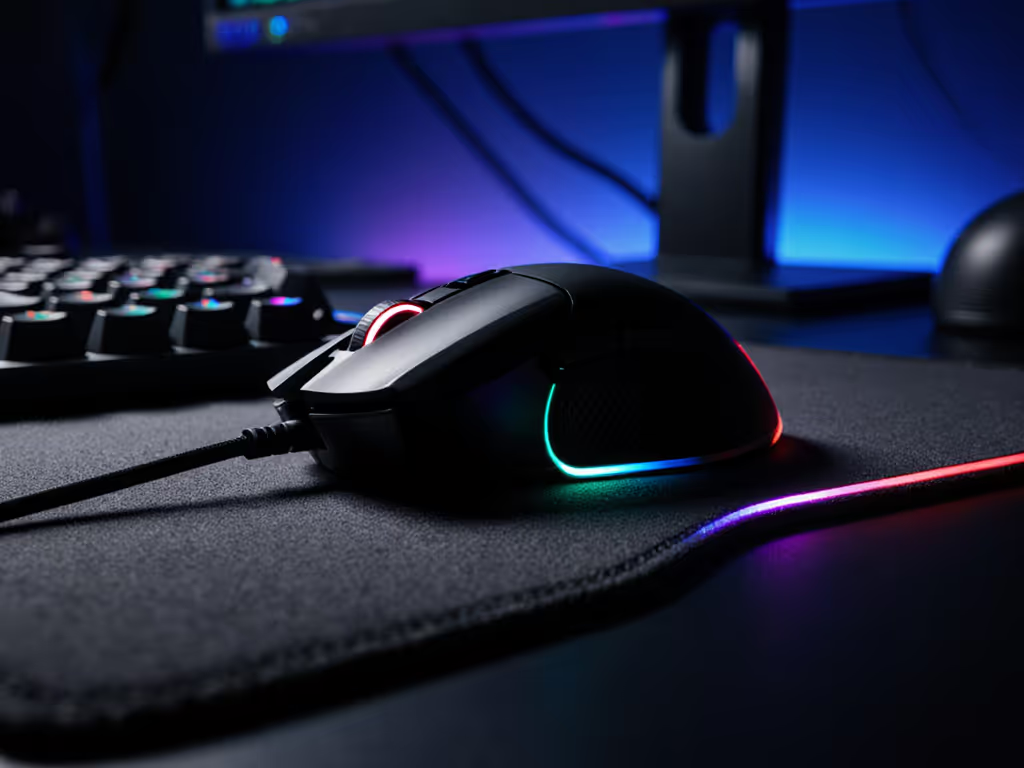
For gamers pursuing precision, understanding gaming mouse feet materials is fundamental to mastering your setup. The seemingly minor pads beneath your mouse significantly impact your control, accuracy, and comfort. At the heart of this lies mouse glide science, a precise interplay of friction coefficients, surface interaction, and physical laws that determine how your hand translates intention into on-screen action. Control starts with fit, but true precision extends beyond the shell to the interface between your mouse and surface. As someone who measures hand size in millimeters and traces palm outlines for proper small-hand fitment, I've learned that even minor glide inconsistencies undermine otherwise-perfect geometry. When fingertip grip stability falters, micro-adjustments consume mental bandwidth better spent on game sense. Let's examine the physics behind mouse glide and how material choices impact performance.
Understanding Mouse Glide Physics
Mouse movement relies on controlled friction, neither too slippery nor too sticky. The coefficient of friction (COF) determines how much resistance your mouse encounters as it moves across a surface. Lower COF values mean smoother, faster movement, while higher values provide more control but require greater force. For competitive gaming, finding the optimal balance is critical: too little friction causes overshooting, while too much hinders quick flicks.
Physics tells us that friction isn't merely about the mouse feet material; it is a dynamic interaction between three elements: the feet themselves, the surface texture, and the downward pressure from your hand. This is why identical mouse feet can feel radically different on cloth versus hard pads. To understand how modern sensors adapt to different surfaces and lighting, see our 2025 sensor tracking guide. The contact patch (the area where mouse feet meet the surface) changes based on hand weight distribution and grip style. For smaller-handed gamers (under 170mm in length), lower-pressure grips often benefit from materials with slightly higher friction to maintain control during delicate movements.
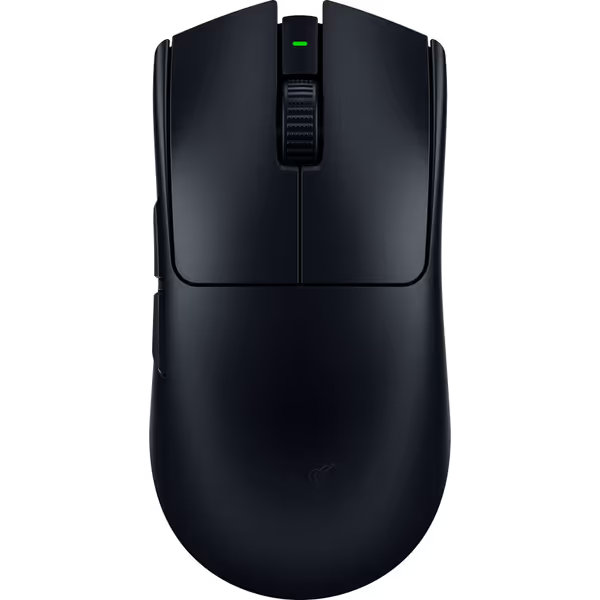
Razer Viper V3 Pro Wireless Gaming Mouse
Ultralight esports mouse for flawless precision and competitive advantage.
$155.99
Weight54g
Weight54g
Pros
Featherlight design for rapid, precise flicks.
Flawless 8KHz wireless polling for zero lag.
Cons
Some users report mixed out-of-box functionality.
Customers find this gaming mouse excellent for competitive shooters, praising its incredibly light weight, smooth feel, and outstanding battery life. Moreover, the mouse features responsive performance with zero debounce delay, solid side buttons, and extremely precise tracking. However, functionality receives mixed feedback, with some customers reporting it performs great while others say it doesn't work out of the box.
Customers find this gaming mouse excellent for competitive shooters, praising its incredibly light weight, smooth feel, and outstanding battery life. Moreover, the mouse features responsive performance with zero debounce delay, solid side buttons, and extremely precise tracking. However, functionality receives mixed feedback, with some customers reporting it performs great while others say it doesn't work out of the box.
Comparative Analysis of Mouse Feet Materials
PTFE (Teflon): The Industry Standard
Polytetrafluoroethylene (PTFE), commonly known as Teflon, remains the most prevalent material for gaming mouse feet. With a COF of approximately 0.04-0.10 on most surfaces, it offers exceptionally smooth glide. Most high-end mice ship with PTFE feet because they provide consistent performance across various pad types. However, they wear down faster than alternatives (typically lasting 6-12 months with heavy daily use). For replacement schedules, cleaning tips, and full upkeep, use our seasonal mouse maintenance guide. For small-hand users who apply less downward pressure, PTFE feet maintain consistent glide longer since wear correlates with applied force.
Ceramic: Durability Without Sacrifice
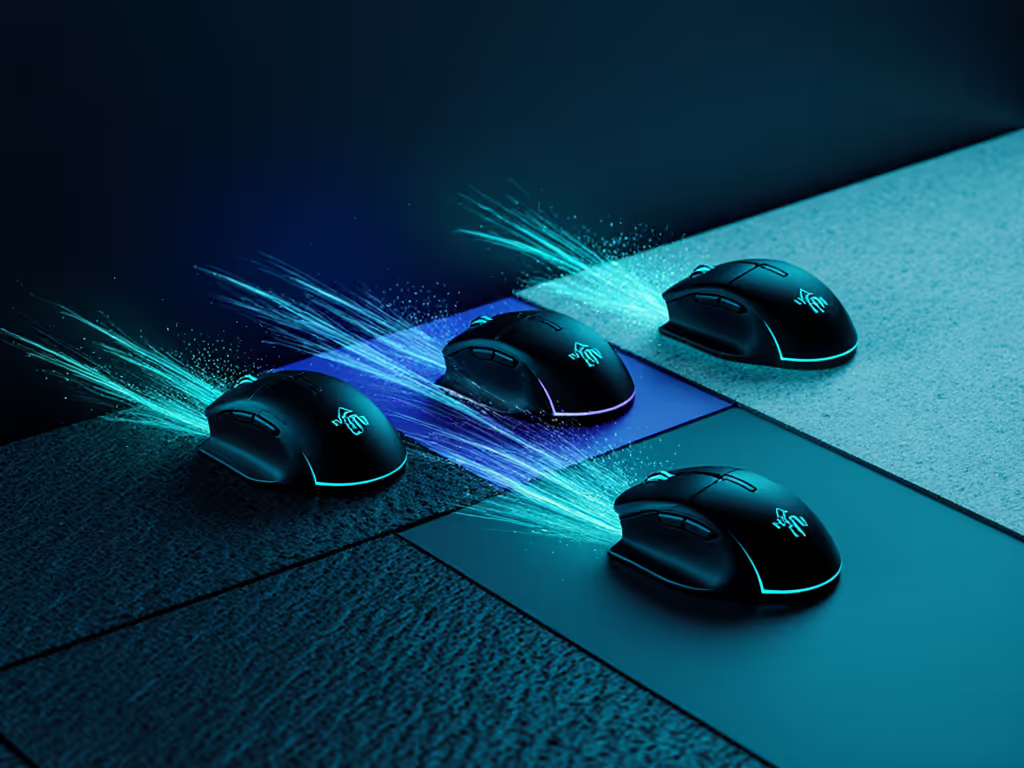
Ceramic mouse feet boast impressive durability metrics (testing shows they maintain consistent performance for up to 2,500 kilometers of movement), significantly outperforming PTFE. They offer a slightly higher COF (0.10-0.15), providing more control during micro-adjustments. However, this advantage comes with limitations: ceramic feet perform poorly on cloth pads due to microscopic surface interactions that increase drag unpredictably. They shine on hard surfaces where their consistent glide benefits precise aiming.
Alternative Materials: Specialized Applications
Other materials serve niche purposes:
- UHMWPE (Ultra-High Molecular Weight Polyethylene): Offers excellent durability (similar to ceramic) with a lower COF (0.08-0.12), but performs inconsistently on glass surfaces
- Glass: Provides ultra-smooth glide on hard pads but lacks durability and consistency on cloth
- POM (Polyoxymethylene): Delivers unique glide characteristics but can deform on glass surfaces
When comparing PTFE vs ceramic mouse feet, the decision often comes down to usage patterns and surface type. For competitive FPS players who prioritize skate durability, ceramic makes sense for hard pad users, while PTFE remains ideal for those using quality cloth surfaces. Remember that surface texture changes everything; the same material that feels perfect on a Corsair MM700 pad may feel sluggish on a Razer Gigantus. For a broader look at shells, skates, and advanced composites, read the materials science behind gaming mice.
Surface Interaction Physics: The Critical Variable
The surface interaction physics between mouse feet and your pad creates the actual gaming experience. Cloth pads typically have more texture, requiring materials that can glide through microscopic peaks and valleys without snagging. Hard pads present a smoother interface but demand consistent contact across the entire surface.
Physics demonstrates that friction isn't constant; it changes based on velocity. This is why some materials feel smooth during slow movements but become sticky during rapid flicks. For fingertip grip users (common among small-hand gamers), this velocity-dependent friction significantly impacts micro-adjustment precision. Studies measuring dynamic COF show variations of up to 30% between slow and rapid mouse movements depending on material-pair combinations.
Left-handed players face additional considerations. Many "symmetrical" mice maintain right-biased button placements that alter hand positioning, affecting downward pressure distribution. This changes the contact patch and alters glide characteristics compared to right-handed use. True ambi isn't compromise; it's alignment between hand and target, a principle that applies equally to mouse feet interactions.
Practical Glide Optimization Strategies
Optimizing your gaming mouse glide requires understanding your specific needs rather than chasing universal "best" solutions. Consider these factors:
- Grip style: Palm grip users apply more even pressure (benefiting from larger contact areas), while fingertip grips concentrate force (requiring precision materials)
- Hand size: Smaller hands (under 175mm) often need slightly higher friction to maintain control with less downward pressure
- Play style: Tactical players may prefer controlled glide for precise crosshair placement, while aggressive players might want faster movement
- Surface type: Match your feet material to your pad (ceramic for hard surfaces, high-quality PTFE for cloth)
For small-hand gamers, I recommend starting with slightly smaller contact patches to concentrate pressure and improve control. Measure your tracing outline at 170-180mm length (this helps determine optimal foot placement relative to your palm's natural pressure points). Don't ignore the impact of side-button reach either; proper fit ensures your grip remains stable, allowing glide characteristics to shine through without compensation.
Conclusion: Precision Through Understanding
The physics behind mouse glide isn't merely academic: it directly impacts your in-game performance. By understanding the interplay between gaming mouse feet materials, surface characteristics, and your unique hand geometry, you gain an edge through informed decisions rather than guesswork. Remember that control begins with geometry that respects your hand, but sustained precision requires attention to every component of your setup.
For deeper exploration of glide dynamics, consider testing different materials on your specific pad configuration. Measure your hand size precisely, track your grip pressure distribution, and document how each change affects your aim consistency. The path to true mastery lies not in chasing universal solutions but in understanding the physics that govern your personal performance.
Further exploration: Track your mouse movement consistency using tools like Kovaak's or Aim Lab before and after changing mouse feet. Measure the distance between micro-corrections during precision challenges to quantify glide impact on your specific playstyle.
Related Articles