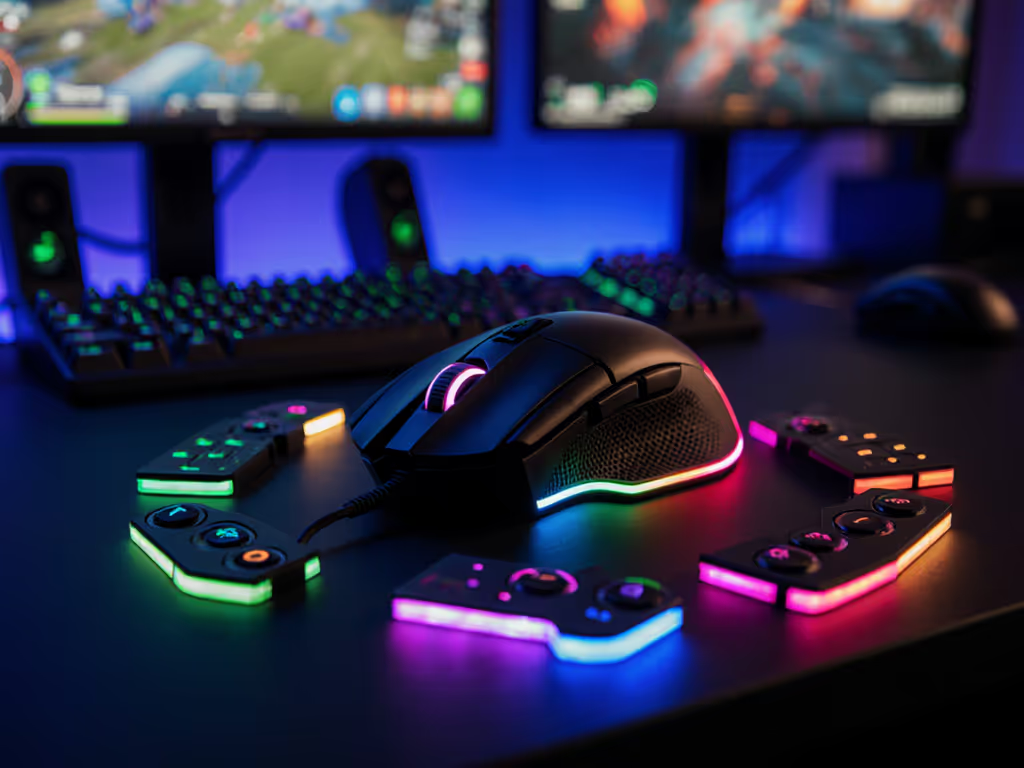
Motion Sensor Gaming Mice: Ergonomic Comparison
By Noah Mensah • 4th Apr
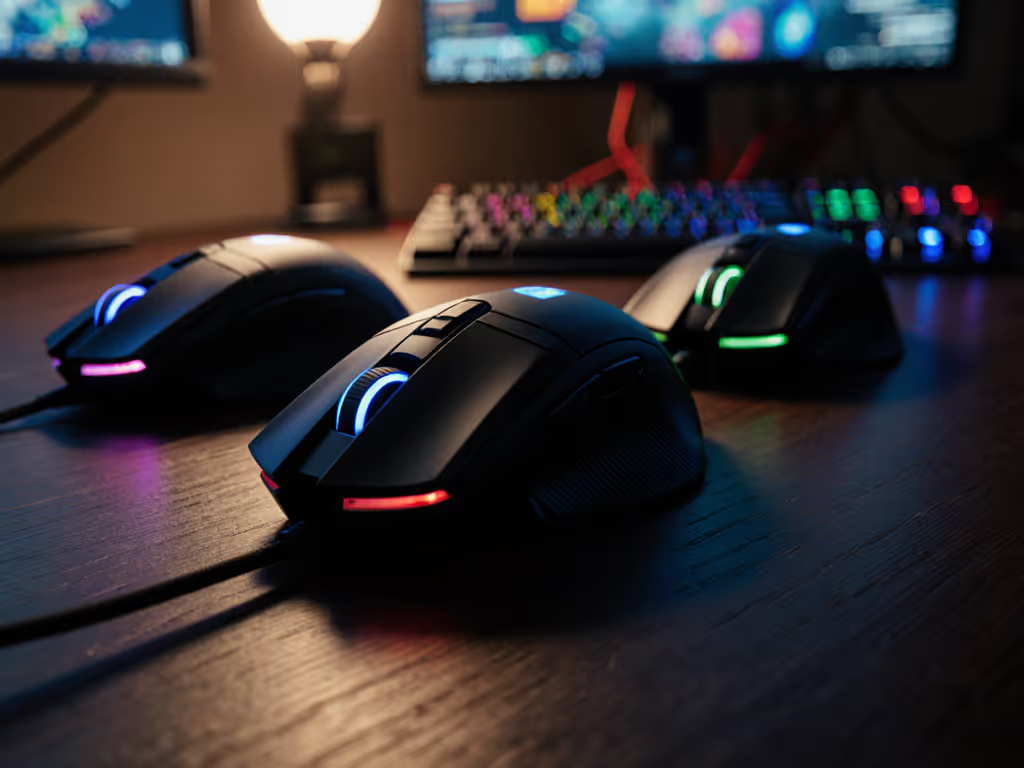
The pursuit of better aim often centers on sensor specs and DPI settings, but the truth is simpler: a motion sensor mouse that doesn't fit your hand is a distraction you're training around, not a tool stabilizing your routine. When ergonomics and motion tracking align, that's when consistent, repeatable performance emerges. This article breaks down how sensor choice, weight distribution, and shape interact with your grip and hand mechanics, then walks you through a practical comparison framework to identify what actually works for your hand, not marketing.
Understanding Motion Sensors and Ergonomic Foundation
Modern gaming mice use optical sensors as the competitive standard because they track predictable movement patterns without the micro-jitters that degrade precision during rapid flicks. The sensor itself sits beneath the mouse shell, and where that sensor mounts relative to your palm, and how the shell's contour distributes weight, directly affect hand fatigue and stroke consistency.
Here's the mechanical reality: a heavy mouse forces your hand and forearm muscles to work harder to change direction, creating micro-muscular compensation that bleeds into aim inconsistency over extended sessions. Conversely, an ultralight mouse without proper weight distribution under the palm can feel unstable, forcing you to grip tighter and introducing tension in the fingers and wrist.
Gear is a multiplier; habits and fit set the baseline.
The ergonomic baseline is grip fit. If you're mapping hand size to comfort and preventing wrist strain, start with our gaming mouse ergonomics guide. Without it, no sensor spec salvages your consistency.
Sensor Type and Hand Mechanics
Optical sensors track via light reflection off the mousepad surface, making them immune to dust interference and delivering consistent data across different surfaces. This consistency matters ergonomically because it means your muscle memory from drill work translates directly into matches, your hand learns the exact relationship between physical motion and cursor response, without unexpected acceleration or jitter introducing correction noise.
DPI (dots per inch) sets the scale of that response. Most professional players anchor at 400-1600 DPI, not for raw speed but because control correlates with lower hand strain, you're making larger, more deliberate motions rather than micro-adjustments that fatigue the fingers. Modern sensors like the Owl-Eye maintain consistent tracking from 400-3200 DPI without smoothing or acceleration, meaning your choice of DPI becomes a personal ergonomic preference (finer wrist control vs. arm movement dominance) rather than a performance compromise.
Comparing Ergonomic Profiles: FPS vs. MMO Design Philosophy
Motion sensor mice split into two ergonomic camps, and the split reflects different hand-strain profiles.
FPS-Optimized Ergonomics: Lightweight and Crisp Response
FPS mice prioritize rapid, frequent micro-adjustments. They're designed ultralight (typically 40-65 grams) because hand speed and responsiveness matter more than button accessibility. A Logitech G PRO X Superlight 2, at about 63 grams, exemplifies this approach: minimal profile, symmetrical shape for quick pivots, and minimal drag resistance to maximize flick fluidity. The ergonomic trade-off is that sustained session comfort depends entirely on correct grip fit; any pressure point will amplify fatigue over three-hour scrims.
The Turtle Beach Burst II Air takes ultralight further at 47 grams, built for "speed demons" who rely on flick-heavy gameplay. At that weight, hand position becomes critical, your grip anchors the entire motion control chain. If your palm isn't centered and your wrist angle is compromised to compensate, you're essentially magnifying any tension pattern into repetitive strain.
Polling rate also plays an ergonomic role in FPS mice. For lab-verified latency gains across 4000–8000 Hz, see our 8000 Hz polling rate comparison. The Burst II Pro features 8 kHz wireless polling with 0.125 ms latency, translating to ultra-responsive click feedback. That responsiveness directly reduces correction movements, your aim feels connected to intention, reducing cognitive load and allowing your hand to operate on pure habit rather than conscious compensation. Over a match, that compounds into measurable fatigue reduction.
MMO/Extended-Session Ergonomics: Palm Support and Button Access
MMO mice like the Razer Naga V2 Pro adopt a fundamentally different ergonomic model. They're heavier (typically 85-110+ grams), feature palm-focused shapes with thumb or pinky rests, and organize 12+ side buttons in a grid to minimize keyboard reaching. Hand strain comes from different angles: not micro-adjustment fatigue, but static grip pressure and thumb repetition from ability cycling.
The SteelSeries Aerox 9 Wireless demonstrates motion-sensor optimization within MMO ergonomics. Its honeycomb-cutout shell reduces weight without sacrificing palm support, striking a balance between comfort for long sessions and the dexterity needed for positional gameplay. The sensor and click latency remain "exceptionally low," so motion tracking stays snappy even when the overall form factor is heavier.
The ergonomic lesson: MMO mice trade FPS-style speed for stability under sustained grip tension. Your hand doesn't need to move as much or as quickly; it needs to stay anchored without strain during longer holds.
Hand Size, Grip Style, and Sensor Accuracy Interaction
Motion sensor accuracy depends partly on stable, predictable grip. A mouse that doesn't match your hand geometry forces micro-adjustments in grip pressure, which translates into slight variation in lift-off distance (LOD, the height at which the sensor loses track) and introduces noise into aim. To tune this variable precisely, follow our lift-off distance guide.
Mapping Grip to Ergonomic Fit
Three primary grip styles emerge:
- Palm grip: Hand fully in contact with the mouse shell. Requires a pronounced hump mid-shell and wider overall profile. Heavy or medium-weight mice stabilize this grip best.
- Claw grip: Fingers arch, palm only partially in contact, generating control via finger and wrist movement. Needs a lower-profile mouse with pronounced finger ridges. Medium weight is optimal to avoid finger fatigue.
- Fingertip grip: Minimal contact; thumb, forefinger, and middle finger steer. Demands ultralight, narrow profile. Any extra gram magnifies fatigue.
The Turtle Beach Burst II Pro, with a symmetrical medium-low profile and 57 grams, suits claw grip perfectly: enough weight for stability without overload, enough profile definition to anchor the arch. The Logitech Superlight 2's minimalist shape leans fingertip and claw users toward faster, lighter strokes, reducing fatigue for those with smaller hands or who prefer rapid micro-movements.
I coached a rifler who bounced between four new mice in six months, chasing sponsorship gear. We mapped his grip (claw, medium-sized hand), locked down three candidate shapes over two weeks using identical settings and the same drill playlist, and tracked Kovaak tracking scores alongside VOD micro-correction frequency. One medium-low profile stabilized his routine. His tracking score rose 6%, and VODs showed fewer overcorrections (not because the mouse was objectively "better," but because the fit eliminated grip compensation that was bleeding inconsistency into his mechanics).
Motion Tracking Accuracy: Benchmarking Real-World Performance
Sensor specs reveal part of the story; real-world testing reveals the rest.
Polling Rate and Stability
8 kHz polling rate (available on the Burst II Pro and Corsair mice) reduces input latency to 0.125 ms, capturing mouse position 8,000 times per second. That granularity improves hand-stability perception, your aim feels "tighter" because tracking lag is nearly imperceptible. Ergonomically, reduced latency means less cognitive correction, so your hand operates more on habit and less on conscious adjustment. Over a six-hour tournament, that saves wrist fatigue.
1 kHz polling remains functional for most players and doesn't introduce measurable hand strain, but 4 kHz and 8 kHz create a perceptible smoothness that reduces correction noise.
Tracking Speed and Flick Consistency
The Turtle Beach Burst II Air delivers 650 IPS tracking speed with a 26K DPI sensor, handling "the fastest movements" in flick-heavy play. Higher tracking speed (measured in inches per second) means the sensor captures rapid motion without prediction smoothing, reducing the latency between physical flick and on-screen result. Ergonomically, that instant feedback trains consistent flick mechanics, your hand learns the exact relationship between arm speed and crosshair displacement, without the sensor "catching up" and introducing correction lag.
The Corsair lineup specifies up to 50G acceleration and 650 IPS, meaning they handle both slow, deliberate positioning and explosive flicks without sensor lag. That range makes them versatile ergonomically across different playstyles; your hand can adapt across utility holding and dueling without learning separate muscle-memory adjustments for sensor response time.
Testing Framework: How to Validate Ergonomic Fit Before Committing
Specs tell half the story. Fit validation requires structured testing.
Drill-Based Validation Protocol
-
Grip mapping (5 min): Record or describe your natural grip style (palm, claw, or fingertip dominance). Measure your hand length (wrist crease to fingertip) and width (knuckle-to-knuckle). This grounds your shape search.
-
Week 1: Single shape baseline (aim drills 3-4 sessions): Use your current mouse (or borrow one candidate) and run identical drill playlists (for example, Kovaak's tracking scenario for 10 minutes, flick scenario for 10 minutes). Log scores and fatigue level (1-10) post-session.
-
Week 2: Candidate A testing: Switch to a candidate mouse matching your grip and hand size. Run identical drills, same order, same session duration. Compare scores and fatigue.
-
Week 3: Candidate B testing: Repeat with a second candidate.
-
Evaluation: Does one candidate's scores trend higher or remain more consistent? Did fatigue drop noticeably? Check VOD footage for micro-correction frequency (fewer corrections = better fit stability).
This isn't fancy. It's habit validation. A mouse that fits stops being a variable and becomes an extension. Train the change, then trust it.
Real-Match Validation
Once drill scores stabilize, run 5-10 matches in your primary game. Track K/D, aim consistency rating (if your platform offers it), and hand comfort. A true fit produces noticeable, sustained improvement across multiple metrics. Marginal ergonomic mismatches typically show as inconsistent performance (some matches feel sharp, others feel off) because your hand is unconsciously compensating across sessions.
Comparative Selection Matrix: Matching Urgency to Fit
| Scenario | Best Choice | Why | Ergonomic Caveat |
|---|---|---|---|
| Small-hand claw grip, FPS primary | Logitech G PRO X Superlight 2 (63g, minimal profile) | Ultra-responsive, lightweight reduces finger fatigue, proven FPS shape | Requires consistent claw tension; risk of grip fatigue on 5+ hour days |
| Medium/large palm grip, extended sessions | Turtle Beach Burst II Pro (57g, symmetrical, defined hump) | Balanced weight, shape stabilizes palm contact, 8 kHz stability | Width may be tight for hands >20cm; test before committing |
| Speed-focused flicker, fatigue sensitivity | Turtle Beach Burst II Air (47g, 650 IPS tracking) | Ultralight prioritizes wrist/finger speed, reduces load on smaller hands | Lightest option amplifies grip-pressure issues; best for consistent-grip users |
| MMO/MOBA, longer holds, comfort priority | SteelSeries Aerox 9 Wireless (honeycomb shell, palm support) | Weight savings without sacrificing palm stability; designed for sustained grip | Requires palm-grip style; claw/fingertip users may feel destabilized |
| Budget-tight, all-rounder need | Corsair MARKSMAN (26K DPI, 650 IPS) | Balanced sensor, solid tracking consistency, 1 kHz polling sufficient for most | Not ultralight; best for palm/claw blend users, not pure fingertip |
Actionable Next Steps: Your Ergonomic Decision Framework
Step 1: Map your grip and hand size. Measure hand length and width. Video yourself playing for 30 seconds and note grip dominance (palm, claw, fingertip). This is your anchor for shape selection, no shape is universally "best," only best for you.
Step 2: Define your game priority. FPS? MMO? Variety? This determines weight/button trade-off. FPS users should lean ultralight and responsive; MMO players prioritize palm support and button access.
Step 3: Set a drill baseline. Before testing new mice, run one session on your current mouse using a repeatable drill playlist. Log scores and fatigue. This baseline lets you quantify improvement instead of relying on feel (which is often bias).
Step 4: Test one candidate for one week. Don't rotate mice every two days. Give yourself 5-7 drill sessions on one shape. Habits form via repetition; you can't assess fit without habit. Log drill scores and subjective fatigue daily.
Step 5: Validate in matches. Once drill consistency improves, confirm in actual competitive play. Aim inconsistency across matches signals incomplete fit; steady improvement signals your hand has stabilized around the shape.
Step 6: Commit or iterate. If fit is validated, stop searching, returning to shopping kills consistency. If fit didn't stabilize after two weeks and 10+ sessions, move to the next candidate. Most players find their shape within 2-3 candidates.
The motion sensor does its job regardless of shape; your job is to find the shape that lets your grip and hand relax. When that happens, aim stops being a variable and becomes routine. Train the change, then trust it.
Related Articles